
Contacts & BLF
Enterprise directory, favourites, and Busy Lamp Field on CloudPLAY Softphone desktop.
Contacts
CloudPLAY Softphone can show:
| Source | Description |
|---|---|
| Enterprise / SIP | Company directory synced by your administrator |
| Phone / local | Contacts from your computer (if permission granted) |
| All | Combined view |
Search by name to find colleagues quickly.
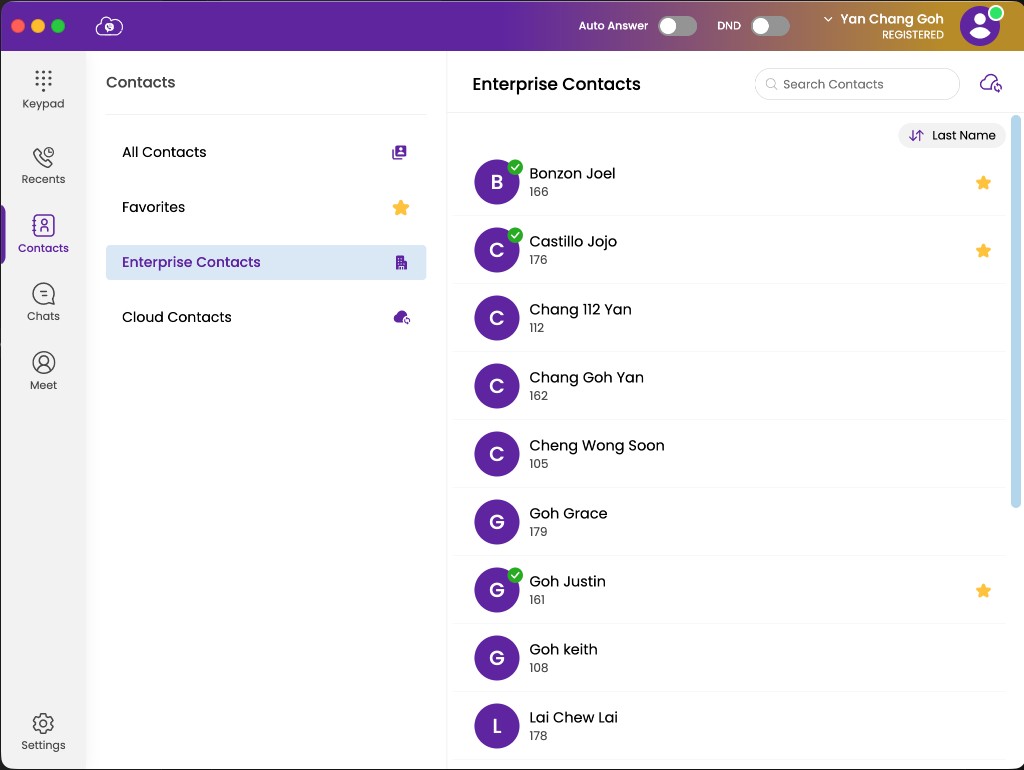
Enterprise contacts are managed in the customer web portal phone book. After your administrator updates the directory, they appear under Contacts in Softphone.
Favourites
Add frequently dialled enterprise colleagues to Favourites for faster access.
- Open Contacts → Enterprise (or the enterprise contact list).
- Open a colleague’s contact card.
- Add them to Favourites.
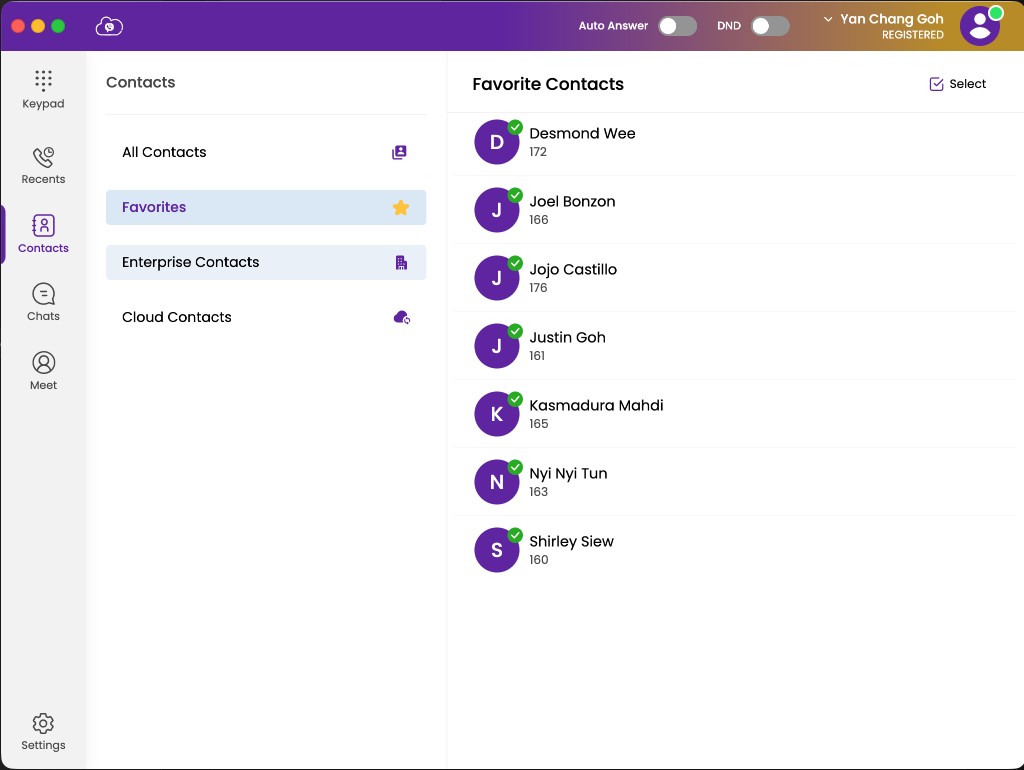
Open Favourites from the Softphone navigation to dial them quickly.
BLF (Busy Lamp Field)
BLF shows whether a monitored colleague is available for a call.
| Indicator | Meaning |
|---|---|
| Green | Available — not on a call |
| Red | Busy — on a call or unavailable |
Enable BLF on desktop
BLF is enabled automatically for enterprise contacts you add to Favourites:
- Open Contacts → Enterprise and mark the colleague as a favourite (star).
- BLF becomes active automatically for that favourited enterprise contact.
- Open Favourites to see availability (green available / red busy).
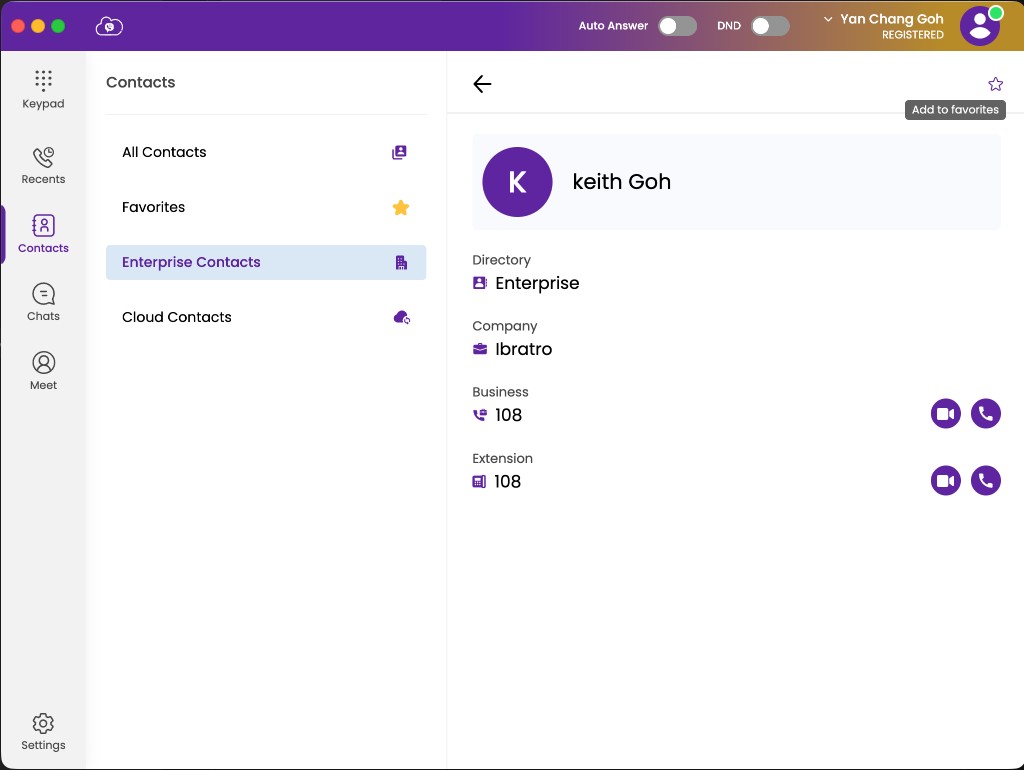
Once you add an enterprise contact to Favourites, the green / red indicator shows that person’s availability.
Enterprise contacts only
BLF applies to enterprise / SIP colleagues. Device or personal contacts in All do not support BLF.